

Generate an image description for free after sign-in, then edit it into a prompt.
Upload a reference and select Generate Prompt. Use the description as a draft for your own creative direction.
Free Image to Prompt Generator for Your Next Idea
Turn a reference into words with this free image to prompt generator. Sign in, choose a detail level and output language, and describe the subject, lighting, setting, and composition without using credits. Read the result, keep the visual cues you need, and rewrite the rest for your own idea. The tool creates a new description from the visible image; it does not retrieve the original generation prompt.
Separate the subject from the visual treatment
Image to prompt analysis describes both the subject and its visual treatment. A subject may change while the soft side light, overhead angle, or muted palette remains useful. Separate those cues before editing.
Set the amount of detail
The image to prompt generator offers Concise, Balanced, and Detailed settings. Start short for a broad idea or request more detail to examine the scene. Keep only the details that help your next image.
Generate prompts in your working language
Choose from 15 output languages for image to prompt generation. Sign in, describe a reference, and copy the result into a brief or image generator. Review the wording before reusing it.
Image to Prompt: From Upload to Editable Text
For a useful image to prompt result, upload a clear reference and choose a detail level and language. Generate the description, then check which details are visible and which may have been inferred.
For a product scene, choose an image that clearly shows the object, surface, lighting direction, and camera angle
For an illustration, look for readable outlines, a clear palette, and enough detail to distinguish the visual medium
Crop away app controls and unrelated borders in an image editor before uploading; those are not part of the creative reference
Use JPG, PNG, or WebP, and avoid a tiny thumbnail when a clearer copy is available
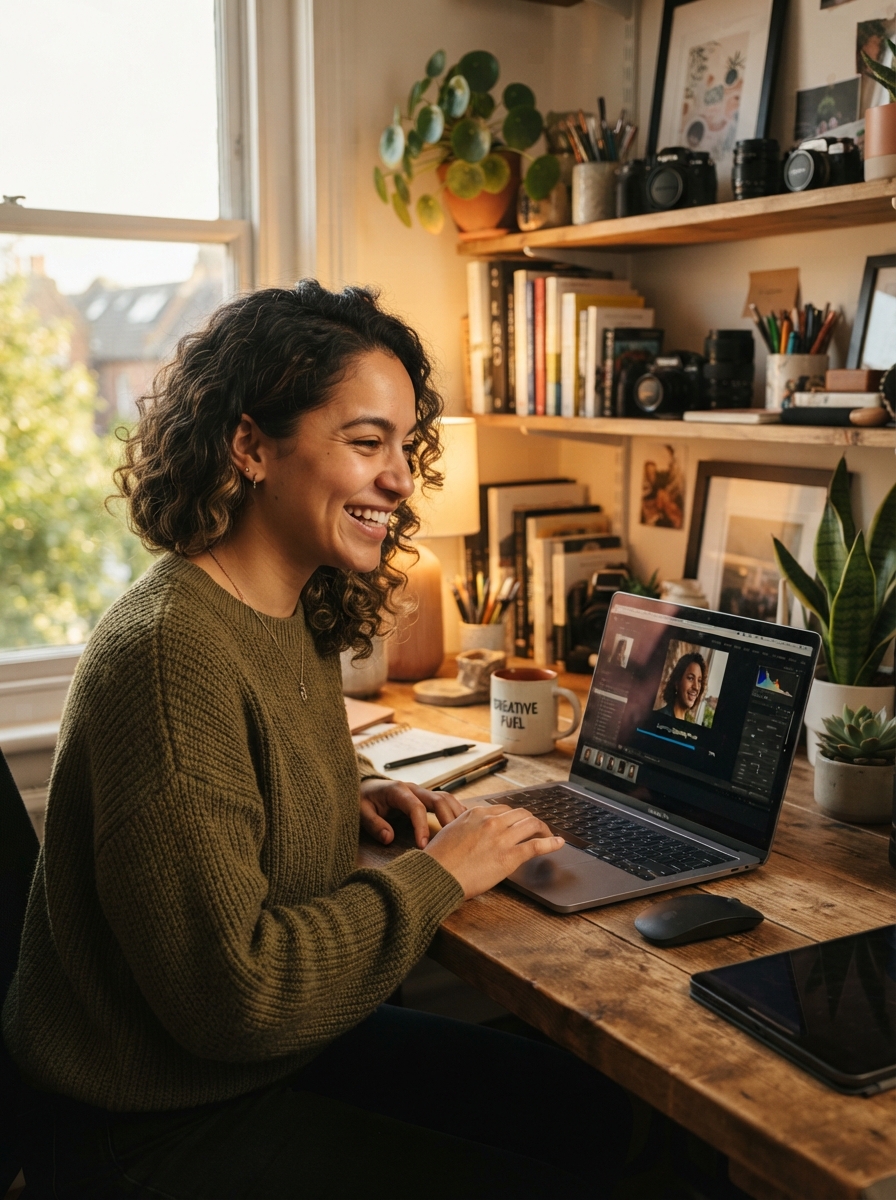
Set the Detail in Your Image-to-Text Prompt
Image to prompt detail settings offer three starting points for writing. Read the result before deciding which objects, materials, and style cues deserve to stay.
Concise: use a short description to explore a broad direction without carrying over every background object
Balanced: start here when you want the subject and its visual treatment described together
Detailed: inspect a busy scene, then trim secondary objects or styling choices you do not want to reproduce
Check inferred materials, lighting, and style terms against the reference; the description can misread ambiguous details

Edit an Extracted Prompt into a Different Scene
Use this image to prompt editing exercise as an illustration, not a claimed model output: suppose a reference is described as "a ceramic mug on a wooden desk, warm side light, close-up view."
Keep the treatment: "warm side light, close-up view" may be the part you want to reuse
Change the brief: replace the mug with "a glass perfume bottle on pale stone" to build a different scene
Add your purpose: include "space on the right for a headline" when the new image will become an advertisement
Test one change at a time in your image generator so you can see which words influence the result

Combine Reference Analysis with Your Creative Intent
Image to prompt analysis describes what is already visible. Your brief must explain what comes next, including changes the reference cannot supply.
1. Generate a description and mark the visual qualities worth keeping, such as framing or a restrained color palette
2. Replace the subject, setting, or materials to fit your project instead of preserving every noun
3. Add generator-specific settings separately; the generated text does not recover a hidden seed or model configuration
4. Save your edited image to prompt result with a note about what worked, building a vocabulary for later projects

Image to Prompt: Questions Before You Generate
Can image to prompt recover the original generation prompt?
No. Image to prompt analysis writes a new description of the visible picture. It does not recover generation metadata, the original prompt, a seed, or model settings. The wording can help you explore a similar composition or mood, but it is not a recipe for an identical image.
How do I keep the style but change the subject?
Treat the image to prompt result as separate subject and treatment notes. Replace the person or object, then keep selected cues about lighting, palette, viewpoint, or medium. Remove details tied to the old subject and test the revision. The mug-to-perfume-bottle exercise above shows the approach.
How do I use an image-to-text prompt in another generator?
Copy the image to prompt description into a generator that accepts text. Adapt it to that tool instead of expecting the same picture everywhere. Add supported settings separately and remove details that conflict with your composition. Test one meaningful change at a time so you can judge its effect.
What images can I upload?
For image to prompt generation, use JPG, PNG, or WebP. The server accepts supported files up to 12 MB; uploads may be prepared before analysis. A readable subject and clear lighting usually produce more useful wording than a highly compressed thumbnail or a screenshot filled with app controls.
Which prompt languages can I choose?
The 15 options are English, Simplified Chinese, Traditional Chinese, Japanese, Korean, Spanish, French, German, Portuguese, Russian, Italian, Dutch, Turkish, Vietnamese, and Arabic. Select the output language before generating, even if you are browsing the English page. Review names and any visible lettering before reusing the text.
Is image to prompt free, and do I need an account?
Image-to-prompt generation is currently free after sign-in and does not use credits. Upload a reference, select a detail level and one of the 15 output languages, then generate and copy your description. Check the workspace for current usage conditions. The text remains a draft to review and edit for your project.
Try Image to Prompt for Your Next Idea
Sign in to the free image to prompt generator, describe one reference, and copy the result. Keep the useful visual cues and edit the rest around your next idea.