

Make the background transparent and download your subject as a PNG.
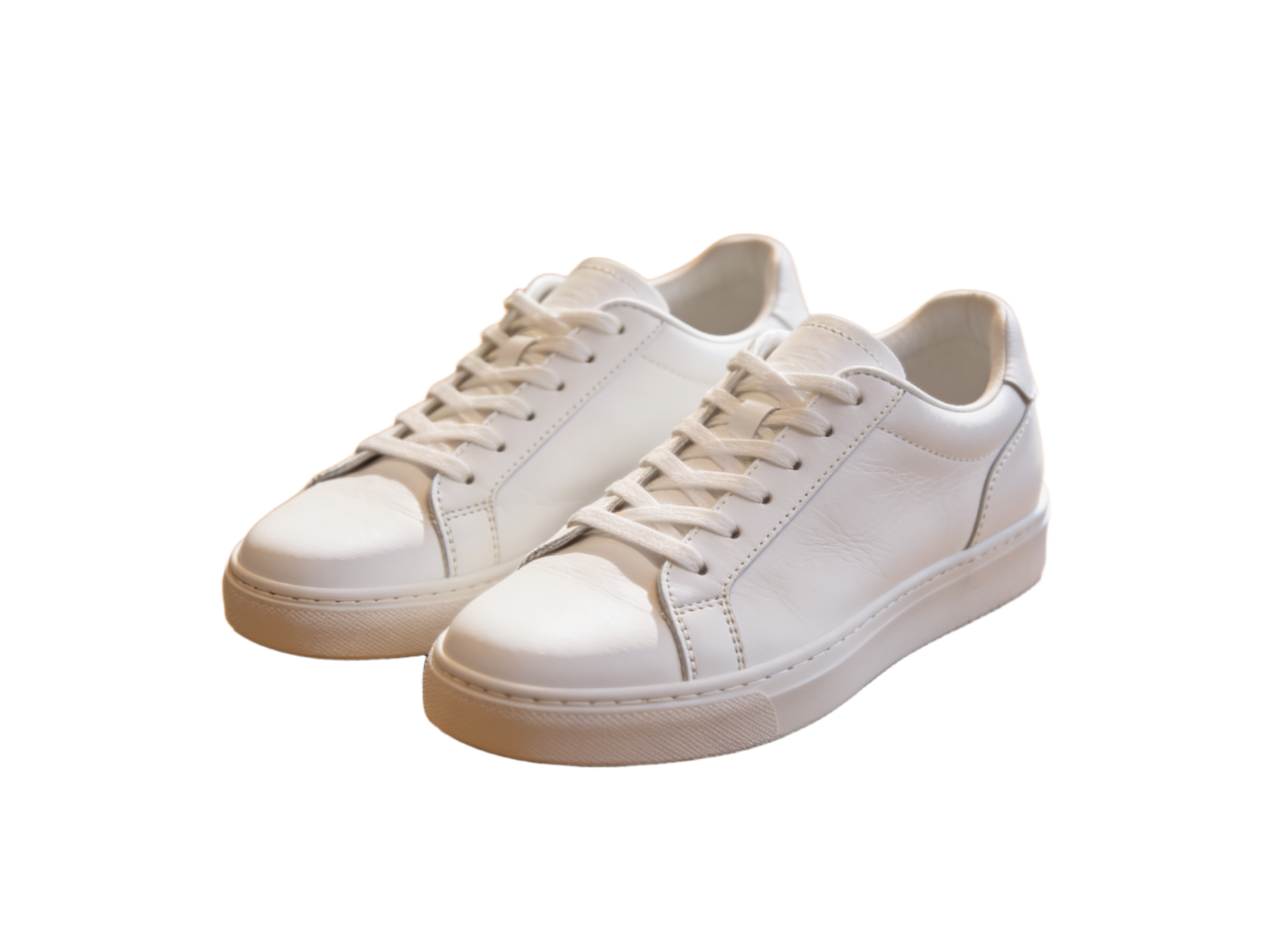
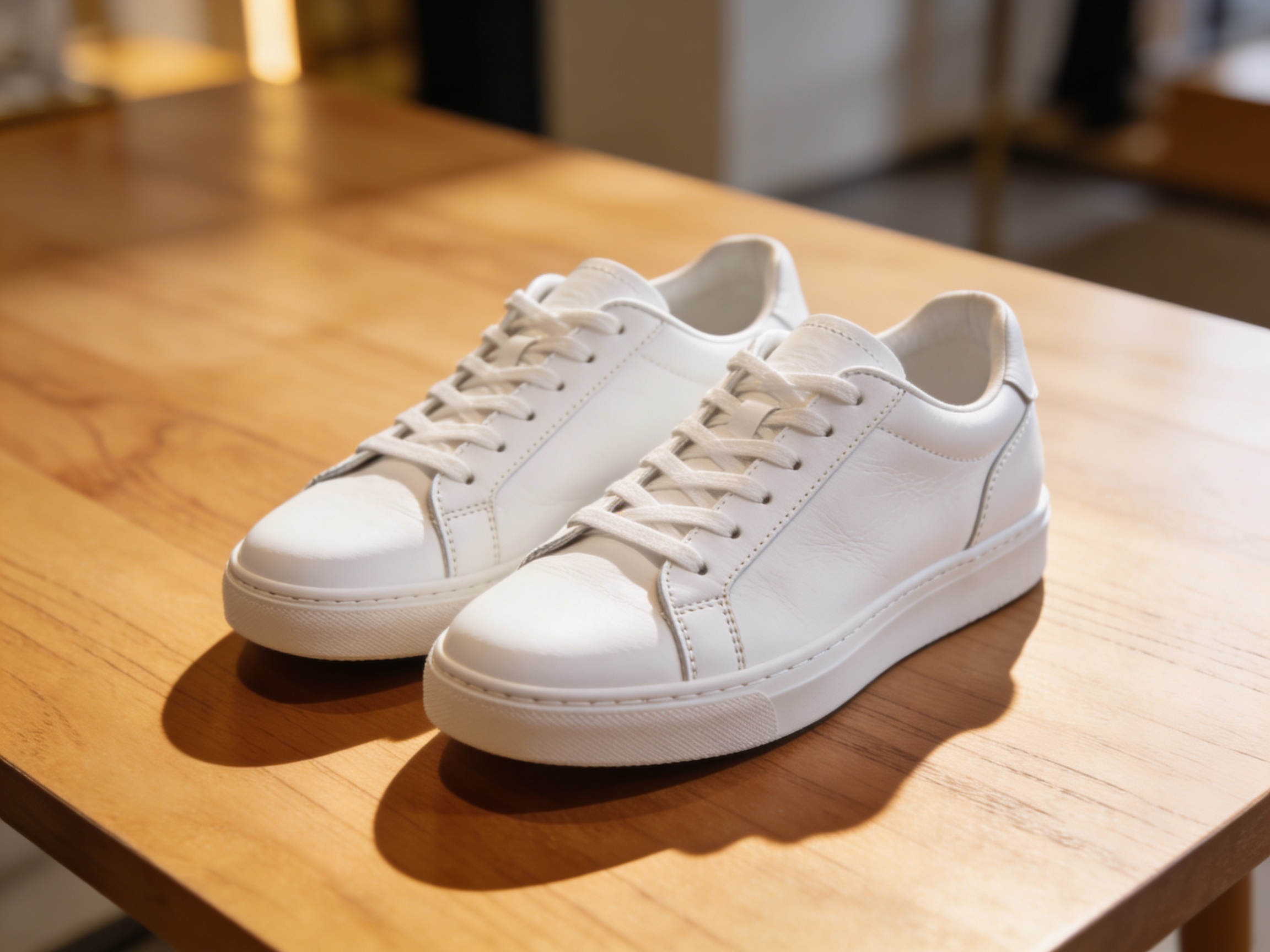
Drag to compare • Upload your image to start
Make Image Transparent with Background Removal
Make your image transparent around the subject so it can fit a new design. Upload a JPG, PNG, or WebP, remove the surrounding scene, and download the cutout as a transparent PNG. Keep the person or product visible while the empty area shows the layer underneath. Sign in to process an image; each removal currently costs 1 credit.
Make your image transparent around the subject
Make an image transparent with automatic background removal instead of drawing an outline. Start with a clear photo and leave space around the subject, then check that small details remain in the cutout.
Make a transparent image you can reuse
Make your image transparent once and reuse the PNG across layouts. Its empty area shows the layer underneath, so you can change the backdrop in your design editor without processing the same photo again.
Check the outline before you reuse it
After you make an image transparent, inspect handles, hair, clothing, and narrow gaps. Test the download on its destination background, where a pale or dark fringe may be easier to see.
Give Product Photos a Transparent Background
Make an image transparent for a product listing while keeping the item complete and recognizable. Check the outline before aligning the cutout with the rest of your catalog.
- • Before you make an image transparent, choose a photo of the entire item; removal cannot recover a cropped handle or missing corner
- • After downloading, place the PNG on a shared canvas size in your design editor to keep margins consistent across listings
- • Check gaps inside handles, between chair legs, and around straps so pieces of the old setting do not travel with the product
- • Inspect transparent packaging and reflective edges against the new backdrop before publishing
Carry a Portrait from a Team Page to a Speaker Card
Make your image transparent to move a portrait between a team page and a speaker card. Create the cutout once, then choose its position and crop in the app where you build each layout.
- • Leave room around the head and shoulders in the source so the cutout fits more than one crop
- • Position the portrait beside a name, title, or headline instead of squeezing text over a busy photo
- • Test the same PNG against your team-page background and event-card colors before exporting each design
- • Keep the original photo as well as the cutout so you can return to the full scene when a layout calls for it
Inspect Three Places Where a Cutout Can Give Itself Away
When you make an image transparent, automatic separation has to find the subject boundary. Fine detail and shared colors can make that boundary uncertain; inspect these areas before accepting the result.
- • The outer edge: look for a pale or dark fringe left by the previous background
- • The interior gaps: inspect spaces between fingers, spokes, foliage, or other separated parts of the subject
- • Partly transparent areas: compare glass, loose hair, veils, and motion blur with the original before accepting the mask
- • The contact area: review feet, product bases, and shadows; finish any grounding shadow in your design editor if needed
How to Make an Image Transparent and Keep the Subject
Make an image transparent by removing its background, then review and download the PNG. This tool keeps the subject visible; it does not provide an opacity slider for fading the whole photo.
- • 1. Upload a JPG, PNG, or WebP with a distinct, fully visible subject to make your image transparent
- • 2. Compare the result with the original, checking that small parts of the subject have not disappeared
- • 3. Download the transparent PNG and place it over both a light and a dark fill in your editor
- • 4. Refine difficult edges manually or try a clearer source if the cutout does not hold up on the intended background
Make Image Transparent: Common Questions
Does making an image transparent fade the whole photo?
To make an image transparent here means removing its background while keeping the subject visible. The tool does not change whole-image opacity. Download the PNG and place it over another layer. For a semi-transparent photo or a faded overlay, use the opacity control in your design editor instead.
How do I check whether the background is really transparent?
After you make an image transparent, place the downloaded PNG over a colored shape in an editor. Color should show through around the subject. A viewer may display transparency as white, black, or a checkerboard. Keep PNG format: exporting as JPG fills the transparent area with a solid background.
Can the background remover preserve every strand of hair?
You can make an image transparent around a portrait, but fine hair may blend into the background. A blurred or compressed source can lose strands or leave a fringe. Use the clearest photo available and check it on the new backdrop; a precise portrait may still need manual masking.
Will removing the background make my image larger or sharper?
When you make an image transparent, you change which areas remain visible rather than deliberately increasing resolution. Check the downloaded dimensions against the layout. If the source is too small, choose a larger original or use a separate upscaling workflow, then inspect the outline again.
Can I prepare a whole product catalog here?
You can make each image transparent separately; the workspace processes one file at a time. For a consistent catalog, reuse the same canvas size, margins, and subject scale in your design editor. Wisku handles the cutout, while you assemble the final listing layout in that editor.
How much does it cost to make an image transparent?
Sign in to make an image transparent through background removal. Each processed image currently uses 1 Wisku credit. Check your balance, choose the best source, and inspect the result before another attempt. A subscription does not include unlimited processing with this tool.
Make Your Image Transparent for Its Next Layout
Make your image transparent, review the outline, and download a PNG. Place the cutout over a new color or scene in your editor to see whether it fits the next design.